

Naxqelvi helps learners study timeline order, scene flow, cuts and project notes through organized digital materials
Shop allPaths for Every Editing Style
-
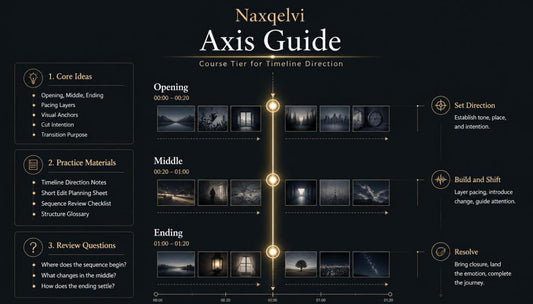
Axis Guide
Regular price €67,00 EURRegular price -
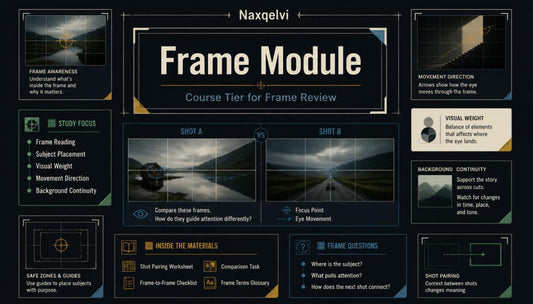
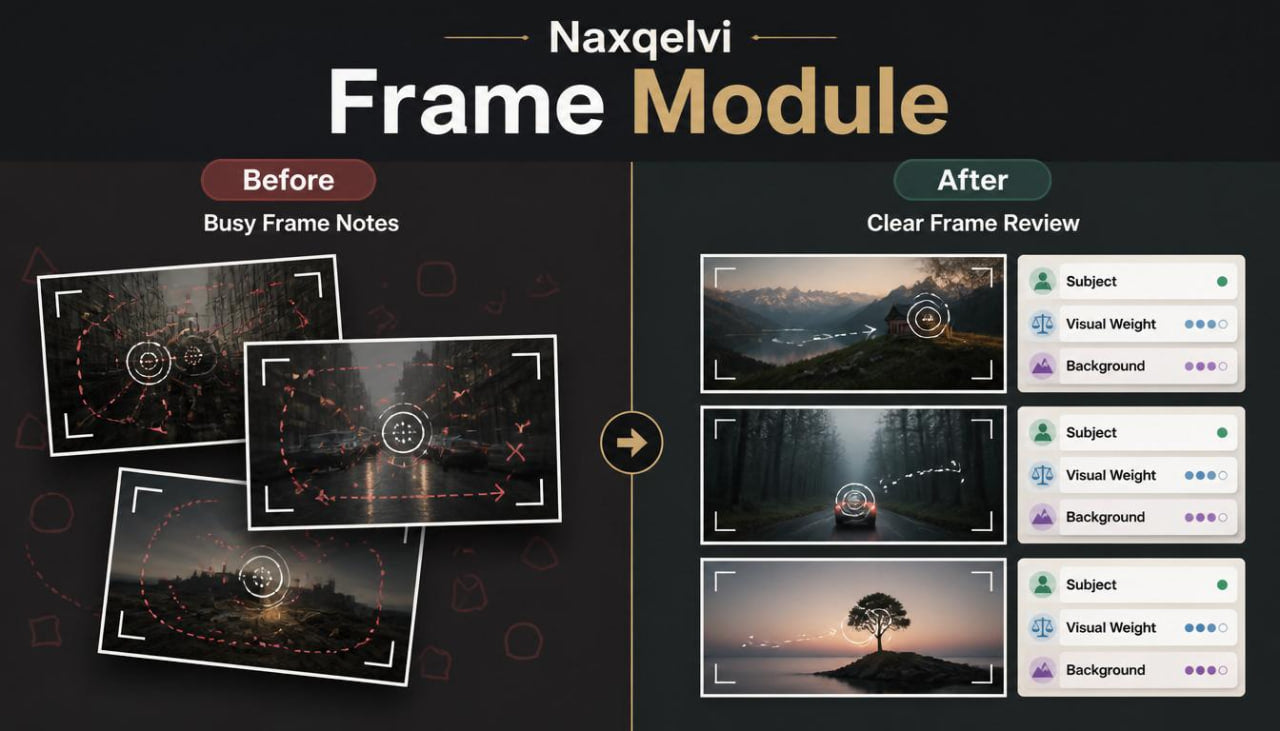
Frame Module
Regular price €118,00 EURRegular price

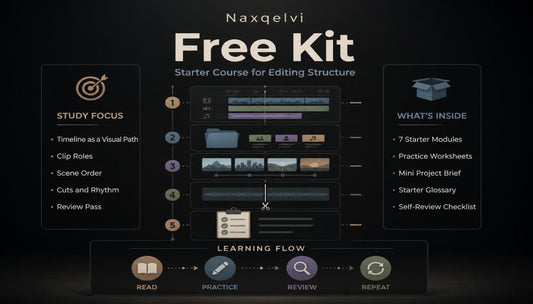



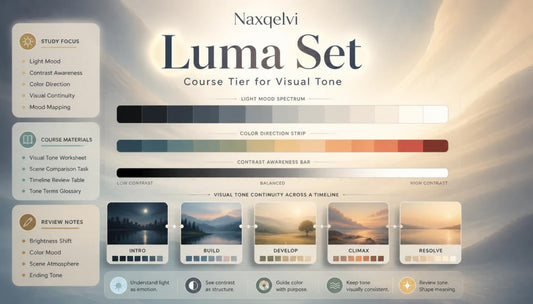
Built From a Small Editing Desk
Small Details, Stronger Editing Habits
-

Timeline Clarity
Learn how to arrange clips into a readable path with a clear opening, middle,
and ending. -

Frame Awareness
Study subject placement, visual weight, and background details through focused review questions.
-

Rhythm Practice
Explore cuts, pauses, and pacing choices through simple tasks and structured timing notes.
-

Review Method
Use checklists, worksheets, and reflection prompts to study drafts with a
calmer process.


Shaping Every Cut With Purpose
The People Behind the Frames
-

Dillan Fraser
Timeline Editor
Dillan studies timeline order and scene placement for clean viewing flow. He prepares structured notes for clip roles, timing, and sequence direction. His work keeps short edits organized from opening to closing. -

Simeon Welsh
Scene Flow Editor
Orson works with scene order, visual movement, and smooth project pacing. He reviews how one shot connects naturally with the next. His notes help shape edits with clear beginning and ending. -

Caspar Howard
Rhythm Cut Editor
Casper studies cut timing, pause placement, and movement rhythm. He compares different versions to understand how pacing changes mood. His work helps shape edits with steady visual timing.


30-days refund guarantee

Take a Look Inside the Course Flow
Notes From the Learning Timeline
-

Karis Cameron
Karis came to Naxqelvi with several short editing drafts that felt uneven because his scenes were arranged by habit rather than planned flow. He found the timeline structure, clip role explanations, and review checklists useful because they gave him a cleaner way to study each draft. “The materials helped me slow down, name each editing choice, and understand why one scene should lead into another.”
-

Wanda Sutton
Wanda came in with projects where the main idea was clear, but background details, subject placement, and visual weight often distracted from the sequence. She found the frame review format useful because it gave her simple questions for checking what the viewer notices first. “The frame notes made my review process more organized, especially when I needed to compare two nearby shots.”


Start With a Sample From Naxqelvi
As Seen On


